Inside the page
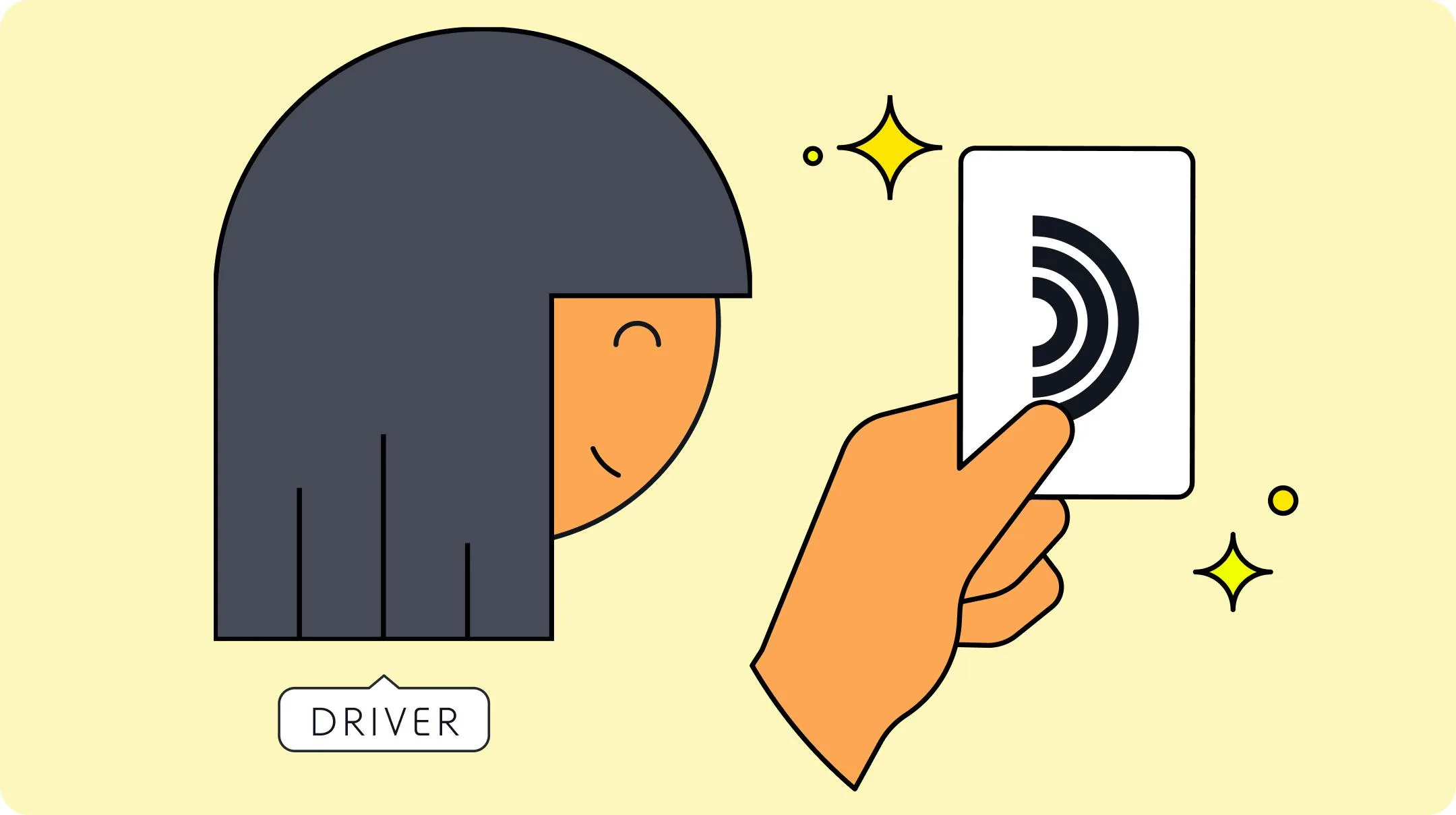
An EV charging card lets you start a public charging session with one tap at the charger. You don't need your phone, a mobile signal or an open app.
An EV charging card lets you start a public charging session with one tap at the charger. You don't need your phone, a mobile signal or an open app.
This guide explains what an RFID charging card is, when it does more than the app, and how to order, activate and use the Plugsurfing charging card.
What is an RFID charging card?
An EV charging card is a physical card or key fob with an RFID chip inside. RFID stands for radio-frequency identification. When you hold the card to the charger's RFID reader, the charger recognizes your card and starts a charging session on your account.
The Plugsurfing charging card comes from Plugsurfing, a European e-mobility service provider (EMSP). One card works at over 1.25 million charge points across 26 European countries, run by more than 800 charge point operators. You pay with the payment method linked to your Plugsurfing account, so you don't need a separate account with each operator.
How does an EV charging card work?
- Find a charger. Open Find chargers in the Plugsurfing app to see charge points that accept your card, with prices and real-time availability.
- Plug in. Connect your car to the charger with the charging cable.
- Start the session. Hold your card to the charger's RFID reader.
- Stop the session. Hold your card to the reader again, then unplug the cable.
You can follow the charging session in the Plugsurfing app. The cost goes to the payment method linked to your card.
Do you need a charging card if you have the app?
Not always. The Plugsurfing app can start and stop sessions at most charge points in the network on its own. The card covers the cases the app can't:
- Card-only charge points. Some chargers can't start a session from an app. There, you need a card.
- No signal or a flat phone. The card doesn't depend on your phone at all.
- Fewer steps. One tap at the reader instead of steps in the app.
Most drivers use both: the app to find chargers, check prices and plan trips, and the card to start the session.
| Plugsurfing app | Charging card | |
|---|---|---|
| Start and stop a session | Yes, at most charge points | Yes |
| Works without your phone | No | Yes |
| Card-only charge points | No | Yes |
| Check prices before you charge | Yes | Through the app |
| Find chargers and plan trips | Yes, with Find chargers and Trip planner | No |
Common charging card mistakes
- Not activating the card. A new card can't start a session until you activate it in the app.
- An out-of-date payment method. Your card uses the payment method linked to it in the app. Check it's still valid before a long trip.
- Not checking the price at the charge point. One charging station can have AC and DC chargers at different prices. Check the charging price for the exact charge point in the app before you plug in.
- Ordering just before a trip. Delivery takes up to 7 business days, so order ahead of a long drive.
How to order a Plugsurfing charging card

Order your card in the Plugsurfing app. Choose a card that fits your wallet, or a key fob for your keyring.
Open the Plugsurfing app and go to:
Account → Add charging card → Order now
If you already have a card, select Charging cards instead of Add charging card. Then:
- Choose a card or a key fob.
- Add your delivery address.
- Add a payment method.
- Place your order.
Your card should arrive within 7 business days. It costs €9.95, including shipping and VAT. If you pay in another currency, the app shows the price in your currency before you order.
How to activate your charging card
Activate your card in the app as soon as it arrives. Open the Plugsurfing app and go to:
Account → Add charging card → Activate
If you already have a card, select Charging cards instead of Add charging card. Then:
- Enter the code printed on the back of your card. It's either a 16-digit number or a 12-character code that starts with DE8PS. Enter the full code, including DE8PS.
- Select Continue.
Your card now shows under Account → Charging cards and is ready to use. If it won't activate, see why a charging card won't activate.
Frequently asked questions
How much does an EV charging card cost?
The Plugsurfing charging card costs €9.95, including shipping and VAT. You pay it once. Charging is paid separately, at the charging price the app shows for each charge point.
Does the charging card work in the UK?
Yes. The UK is one of the 26 countries in the Plugsurfing network, so your card works at UK charge points and on trips abroad.
Can I use several cards on one account?
Yes. You can add several charging cards to one account and choose which debit or credit card pays for each one. This helps when several people in your household charge on the same account.
Where can I see charging prices?
In the Plugsurfing app, for each charge point, before you start. Each charge point operator sets its own prices, so an AC charger can cost less than a DC fast charger at the same charging station. A price can include a price per kWh, a time-based tariff, a blocking fee and a session fee. The price shown in the app is the price you pay. See how charging prices are calculated for details.
Can I plan a route around chargers that take my card?
Yes. Trip planner in the Plugsurfing app maps out charging stops for your route, and you can start each session with your card.


